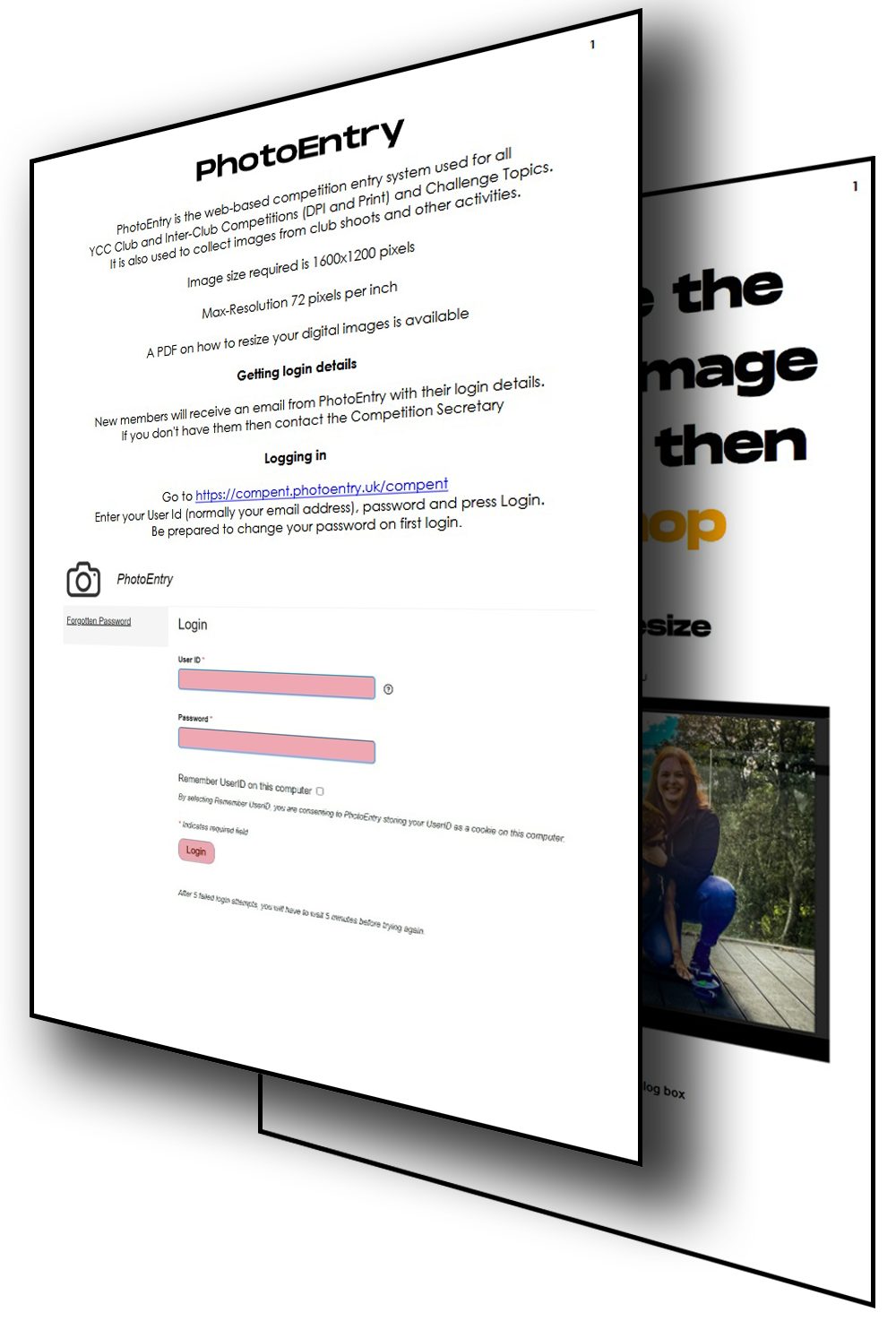
PhotoEntry is the web-based competition entry system used for all
YCC Club and Inter-Club Competitions (DPI and Print) and Challenge Topics.
It is also used to collect images from club shoots and other activities.
Image size required is 1600x1200 pixels
Maximum Resolution 72 pixels per inch
File size = 1600x1200 / (1024 * 1024)
[8-bit jpeg image] = 1.83MB
A PDF on how to resize your digital images is available
1
Getting login details
New members will receive an email from PhotoEntry with their login details. If you don't have them then contact our Competition Secretary
Logging in
Go to
https://compent.photoentry.uk/compent
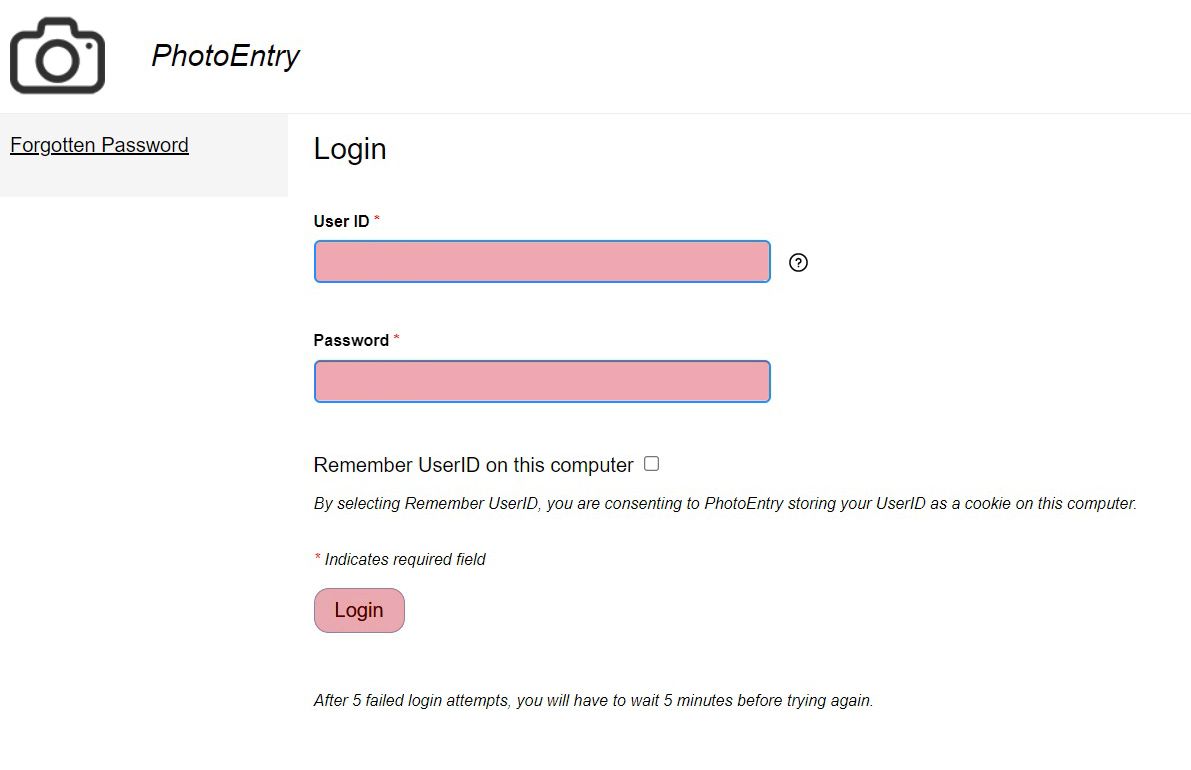
Enter your User ID (normally your email address), Password and press Login
Be prepared to change your password on first login
2
Finding competitions
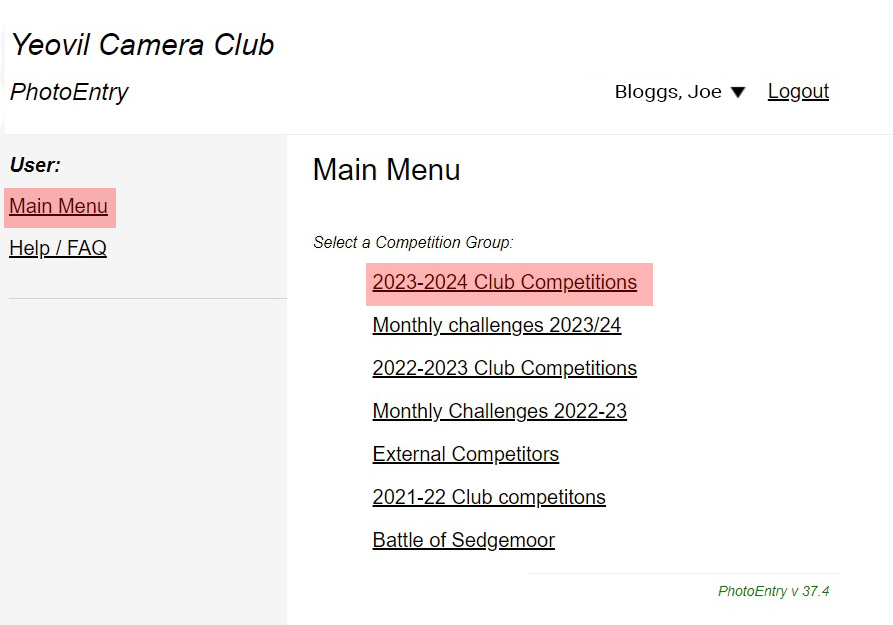
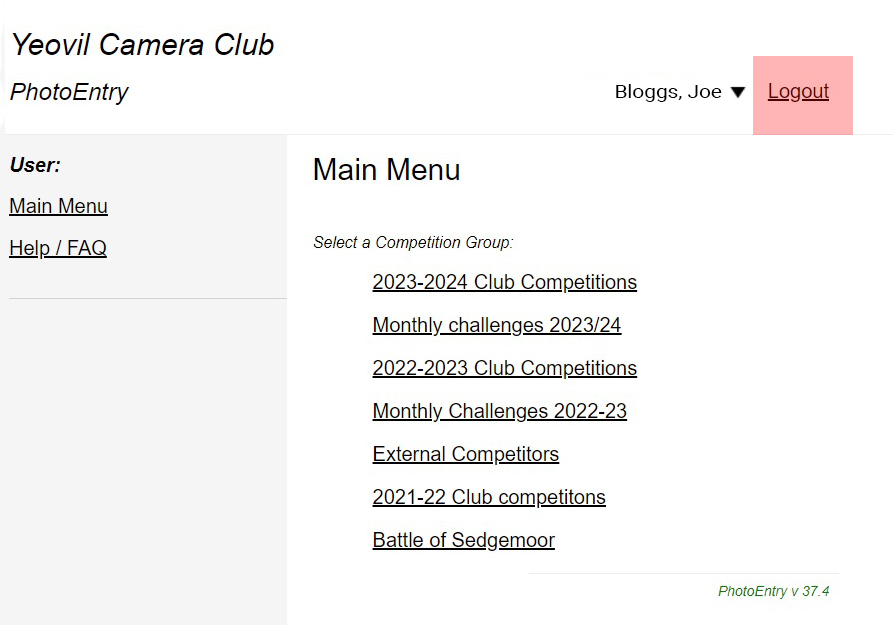
Click on the current Club Competitions eg (2023-2024) to see a list of competitions
3
Entering a competition
Click on the competition name (as shown below) to enter that competition
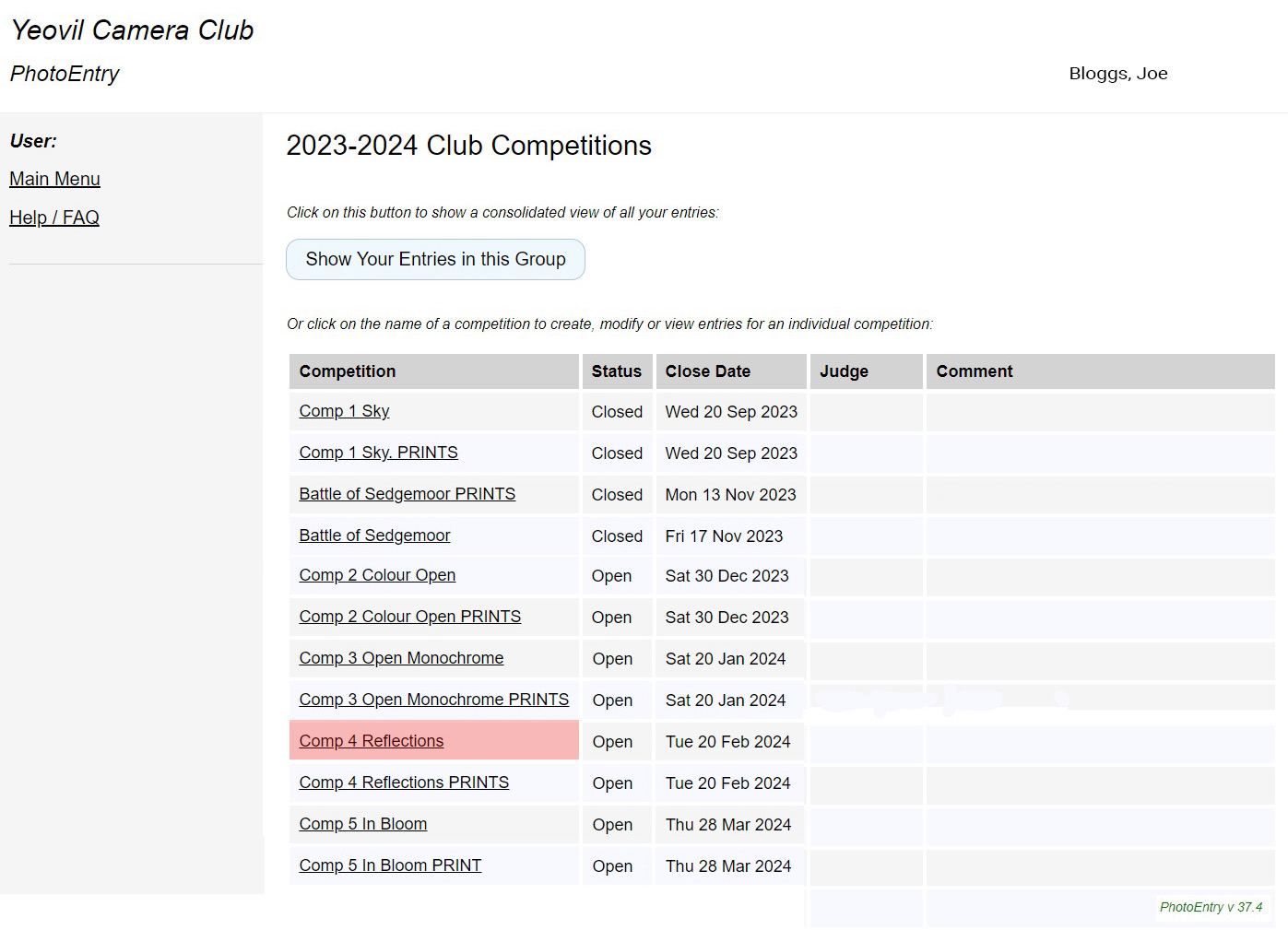
Don't forget your digital copies of prints

4
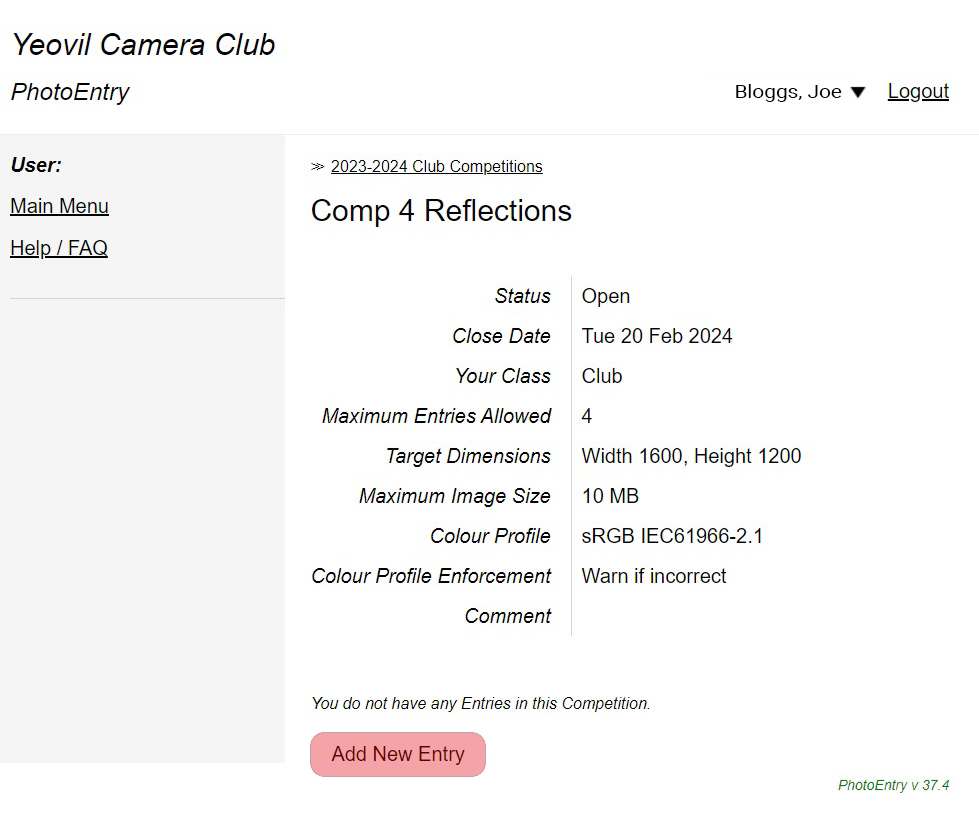
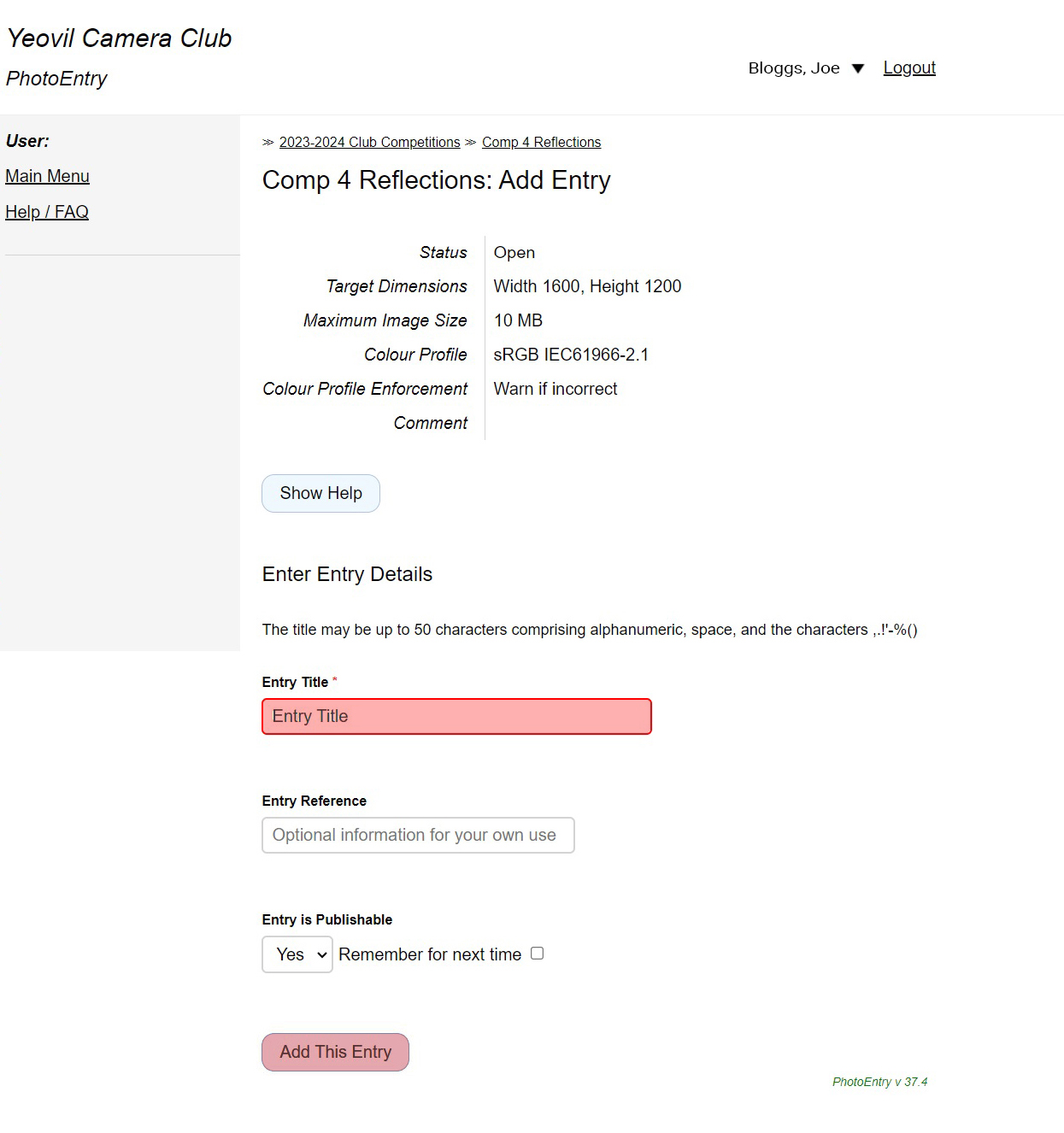
Click on Add New Entry
5
Enter your Image Title (capitalise each word)
then click Add This Entry
I have chosen 'Test' for this example
6
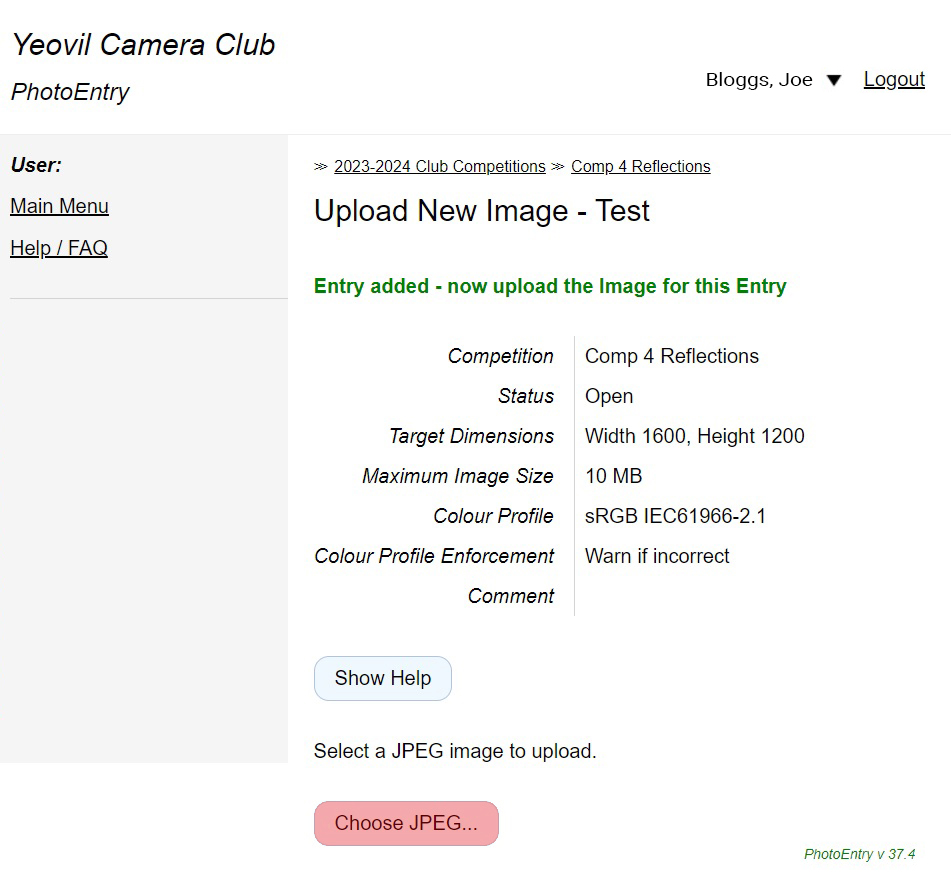
Click Choose JPEG then navigate to
the image you want to upload from your computer
I have chosen 'Test.jpg'
7
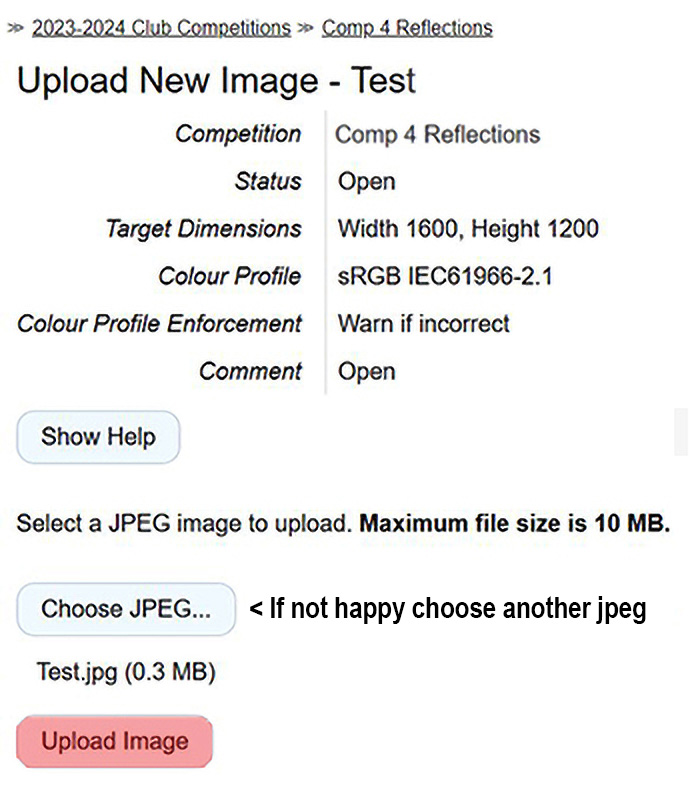
Pick your image and click Open/OK, now
Check the file name and size as shown then click Upload Image
8
Wait for your image to upload, then you will see a thumbnail of your image with additional data alongside it
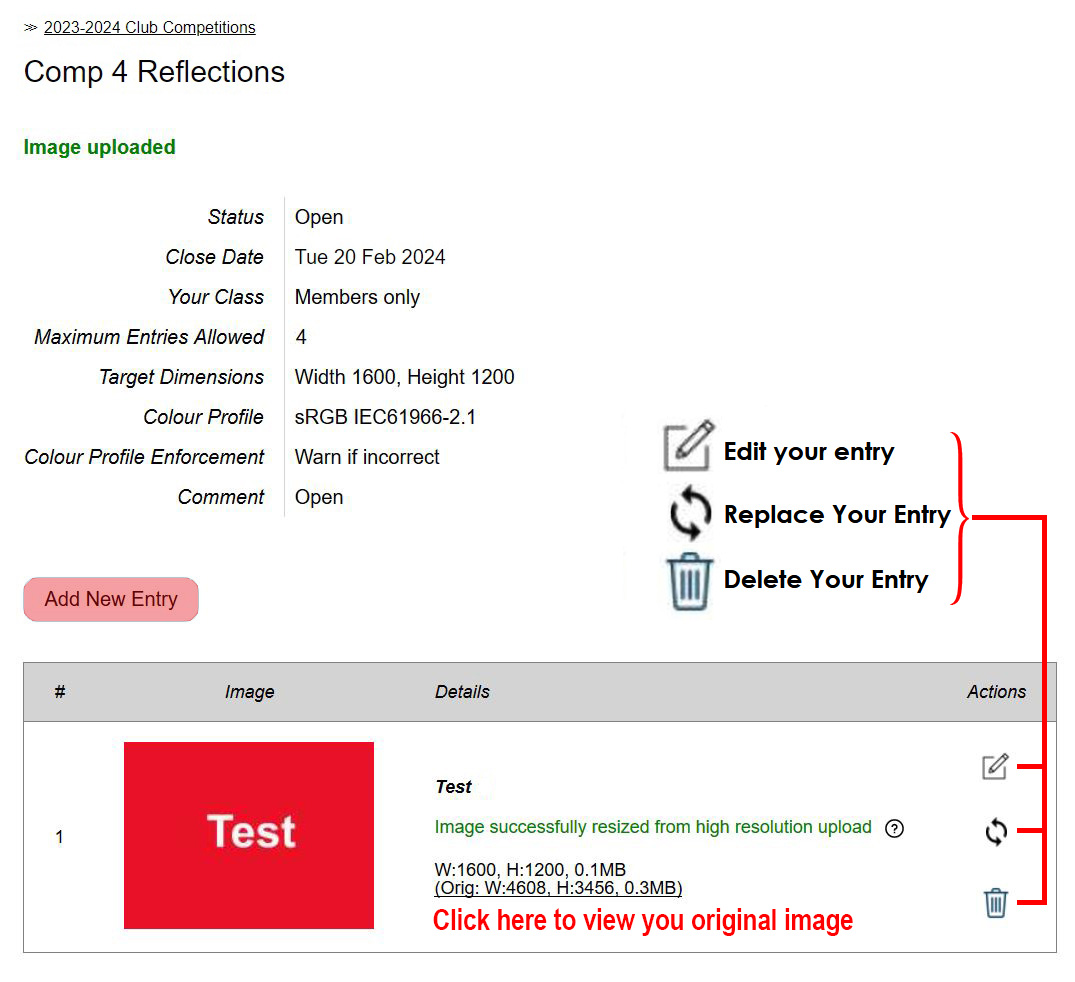
You can add more images up to the maximum number for the competition by clicking on
Add New Entry
9
Lastly Log out (top right of the screen) when you have finished
Don't forget your print entries
More About Photo Entry
- Only JPEG format images can be uploaded.
- PhotoEntry checks your images use the correct colour space
- PhotoEntry checks you haven't already entered the maximum number of images for a competition.
- If your image is larger than the specified resolution for the competition PhotoEntry automatically resamples it.
- You can take a picture with a smartphone and upload it directly (but you may find it easier on a computer).
- You can see but not enter competitions that have now closed or are not yet open.
- You can no longer change your entries once a competition is closed.
- Whilst a competition is in progress your entries are private. You can't see other people's and they can't see yours. When judging is complete and results have been published you can see all the entries.
Other things you can do
- View your entries: click on the relevant competition then click on the thumbnail.
- Change the title: click on the pencil symbol
- Change the image: click on the recycle symbol
- Delete the image: click on the dustbin symbol
- View your original image before resizing: click on the underlined text marked Orig:
- View all competition entries (once results have been published): click on View Entries for All Users button above your images.
- Get help: click help in the left-hand menu under User
- Change your password: click on your name top right
Other Image Collections
- PhotoEntry is used to collect images from club shoots and other activities, even though they are not competitions.
- From the Main Menu choose 2023-2024 Club Competitions.
- Choose the topic (Competition, Challenge or Other) and enter your images in the same way.
- Different limits on image resolution and number of images may apply.
A PDF of these steps is available
A PDF on how to resize your digital images to 1600 x 1200 pixels is also available
